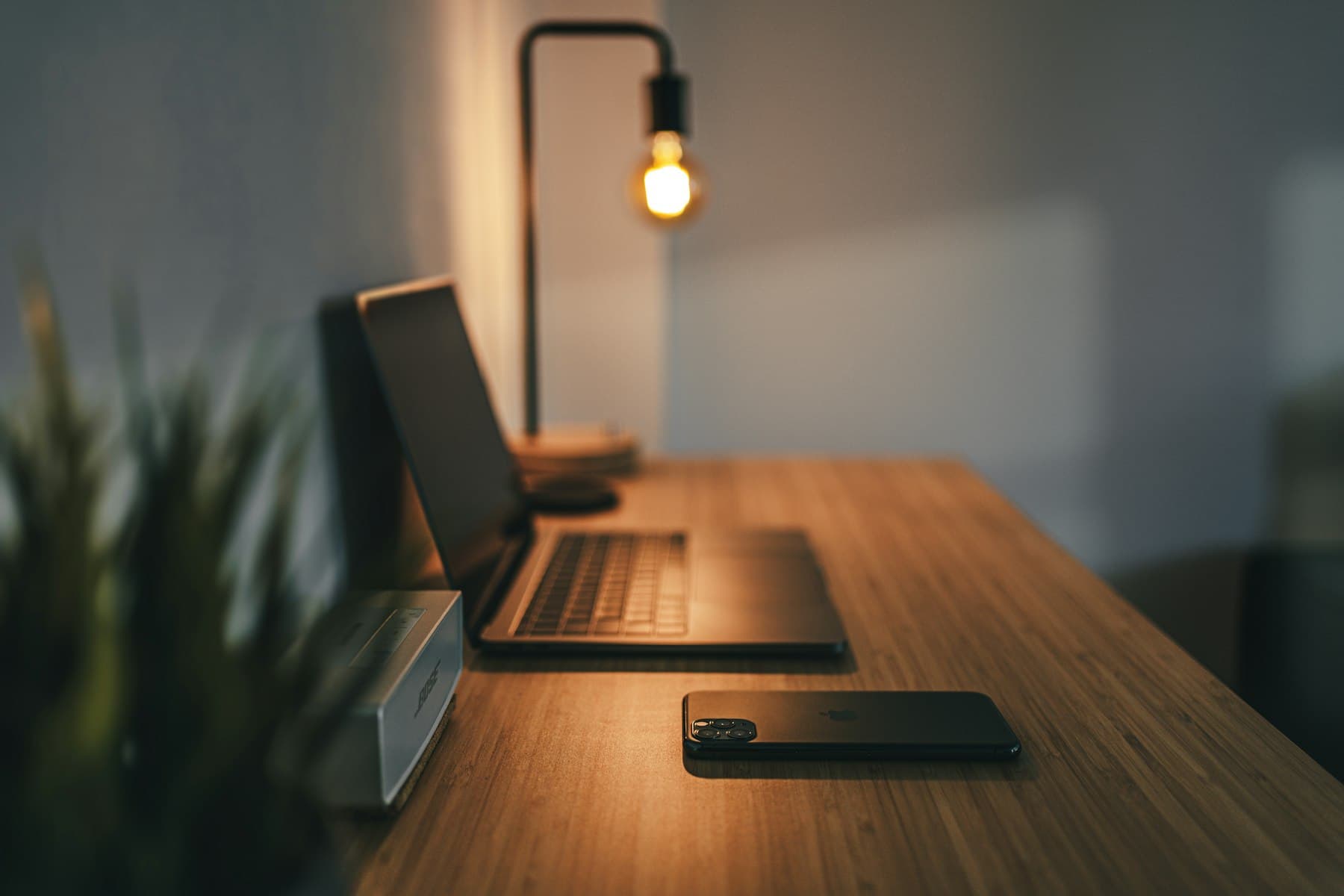
Photo on Unsplash
A 10-hour coding day is not a cinematic setup. It is a chair that does not collapse at hour six, a keyboard that does not pick a fight with your wrists, a screen you can actually read, and light that does not make the webcam look like a hostage video. Influencer desks optimize for a thumbnail. Long days optimize for not hurting.
This is a short list of categories that matter, plus options you can actually buy in India without importing a $400 object that then needs a travel adapter and a service center in another timezone. Prices move. Treat every product name as a starting point, not a permanent SKU. Check the current listing before you click.
Affiliate links are off on this post. If Wordstack later tags Amazon links, that will be explicit in the disclosure. A commission will not be why a chair is on this list.
The chair is the only piece that can injure you
If you sit for a living, the chair is medical equipment that happens to have fabric. A bad one does not announce itself on day one. It announces itself in October.
What to look for, in order:
- A seat that does not go dead. If your legs tingle after an hour, the foam is wrong or the height is wrong.
- Lumbar that you can move. A painted-on lumbar bump is not support.
- Armrests that meet the desk. If your shoulders climb, the chair is failing even if the back looks expensive.
- A warranty you can use in your city. A five-year warranty on a brand with no India presence is a PDF.
In India, the useful range is not "replicated Herman Miller for ₹8,000." It is a mid-range task chair from a brand that will still answer the phone. Green Soul, Fezibo, and the better Featherlite / Godrej Interio task chairs are the category, not a single hero model. Sit in one if you can. If you cannot, pick a retailer with a real return window and measure your desk height before you order.
Aeron-class chairs exist in the grey market and on import sites. If you know the size (A/B/C) and you can service it, fine. If you are guessing from a reel, buy a boring task chair instead. The goal is a neutral spine at 6 p.m., not a conversation piece.
Skip gaming chairs with wings. They photograph well and wear like a costume.
Keyboard and mouse: friction you feel every second
You will touch the keyboard more than any other object you own except the phone. "Mechanical" is not a personality. Switch type, layout, and whether the thing can be repaired are.
A useful split:
- You type a lot and do not care about clack. A low-profile board (Keychron low profile, a Thinkpad-style compact, or a solid membrane if you already like it) will beat a loud tactile brick in a shared house.
- You want mechanical and you will maintain it. Keychron and similar QMK/VIA boards are easy to get in India now. Buy one layout and stop. The third custom kit is not a desk tool. It is a hobby.
- You live in shortcuts. Full-size is fine. 60% is a tax you pay to look like a streamer.
For India, prefer vendors who will sell you a replacement cable and keycaps later. A beautiful board with a unique connector is landfill when the cable dies.
Mice are simpler. Most people need a shape that fits the hand they have, a sensor that does not jitter on the desk they have, and a cable they can ignore. Logitech's boring office mice and a couple of vertical options (if your wrist already complains) cover almost everyone. Wireless is worth it if the dongle is reliable. Bluetooth that drops every time your phone rings is not "clean." It is a bug.
Trackpads as a primary pointer are fine if you already like them. Do not buy a standalone glass pad because a video said it will make you faster. It will make you hunt for right-click.
The screen is how long you can keep reading
A single 27-inch 1440p IPS panel at the right height will do more for a long day than a triple-monitor cockpit you have to roll a chair to see. Two monitors are useful when you actually use the second one — docs, a preview, a terminal you refuse to pane. They are not useful as a graveyard for Slack.
What matters:
- Height. The top of the panel near eye level. A cheap riser or a proper arm beats a laptop on a coffee-table stack of books, but books are still better than a laptop flat on the desk for ten hours.
- Text, not refresh rate. 144 Hz is nice. Readable fonts at your real brightness are nicer. If you write prose and code, prioritize a panel that does not turn colors when you sit slightly off-axis.
- A laptop is not a monitor. If the laptop is the computer, close it or raise it and use a proper keyboard. The hinge angle that looks fine at 40 minutes is a neck problem at 400.
In India, BenQ, Dell, LG, and a few Xiaomi / ViewSonic panels are the realistic shopping set. Buy from a seller who will replace a dead pixel according to a policy you can find. HDR marketing on a mid-range office monitor is usually a joke. Ignore it.
One good arm (NB North Bayou clones are everywhere for a reason) is worth more than a fancier panel you cannot raise. Measure the desk thickness. Some "universal" clamps are universal until they meet a glass table.
Light and sound: the cheap upgrades people skip
Overhead white light that you cannot dim will make you tired and make every video call look like an interrogation. A single warm-ish lamp that lights the desk, not your retinas, is enough. In India that can be a decent Philips or IKEA-style lamp, or a monitor bar if your panel can take one without glare.
Avoid RGB facing you. Your eyes are not a nightclub.
On sound: if you take calls, a cheap USB microphone that sits off the laptop will beat the laptop mic and most "gaming" headsets with RGB ears. If you need isolation, closed headphones you already find comfortable will beat a new pair you bought for the spec sheet. The JBL / Sony / Soundcore options on Amazon.in are fine. The important test is whether you can wear them for a whole review session, not whether they have a 3D surround toggle.
A long day also needs quiet. A mechanical keyboard you love at 11 a.m. can be a problem in a one-BHK at 9 p.m. That is a household constraint, not a gear failure. Plan for it.
Power, posture, and the unglamorous rest
A surge-protected strip and a UPS for the machine you cannot afford to corrupt are more "desk tools" than a wooden monitor stand with a drawer you will fill with cables. Indian power is not a thought experiment. If you are on a desktop, budget the UPS. If you are on a laptop, the battery is the UPS until it is not; do not run it to zero every night as a lifestyle.
A footrest is a ₹500 problem if the chair is too high for the desk. Wrist rests are optional; if you need one, the keyboard height is often wrong.
Movement is not a product. A timer that tells you to stand up is a phone. Walking to fill water is still the best peripheral.
What to skip
- Desk mats the size of a bedsheet unless you like cleaning a towel.
- A second laptop stand for the laptop you are not using as a laptop.
- Cable management kits that cost more than the cables.
- Smart lights you will spend an evening giving scenes.
- Any object whose primary review metric is "aesthetic."
If a tool does not change pain, readability, or the number of times you break flow, it is decoration. Decoration is allowed. Do not confuse it with a stack.
A desk you can leave on overnight
The long-day kit is small: a chair you can sit in after lunch, one readable screen at the right height, a keyboard you forget, a mouse that does not pick a fight, a lamp, and power that will not surprise you.
Buy those in that order. If the budget only covers two, buy the chair and the screen. The mechanical keyboard can wait. Your back cannot.
India-available options exist in every category above. You do not need a US haul, a custom keeb group buy, or a replica of someone else's studio. You need a desk that is still acceptable at hour ten, because that is when the actual bug usually shows up.